


Best Gaming Accessories Every Gamer Should Own
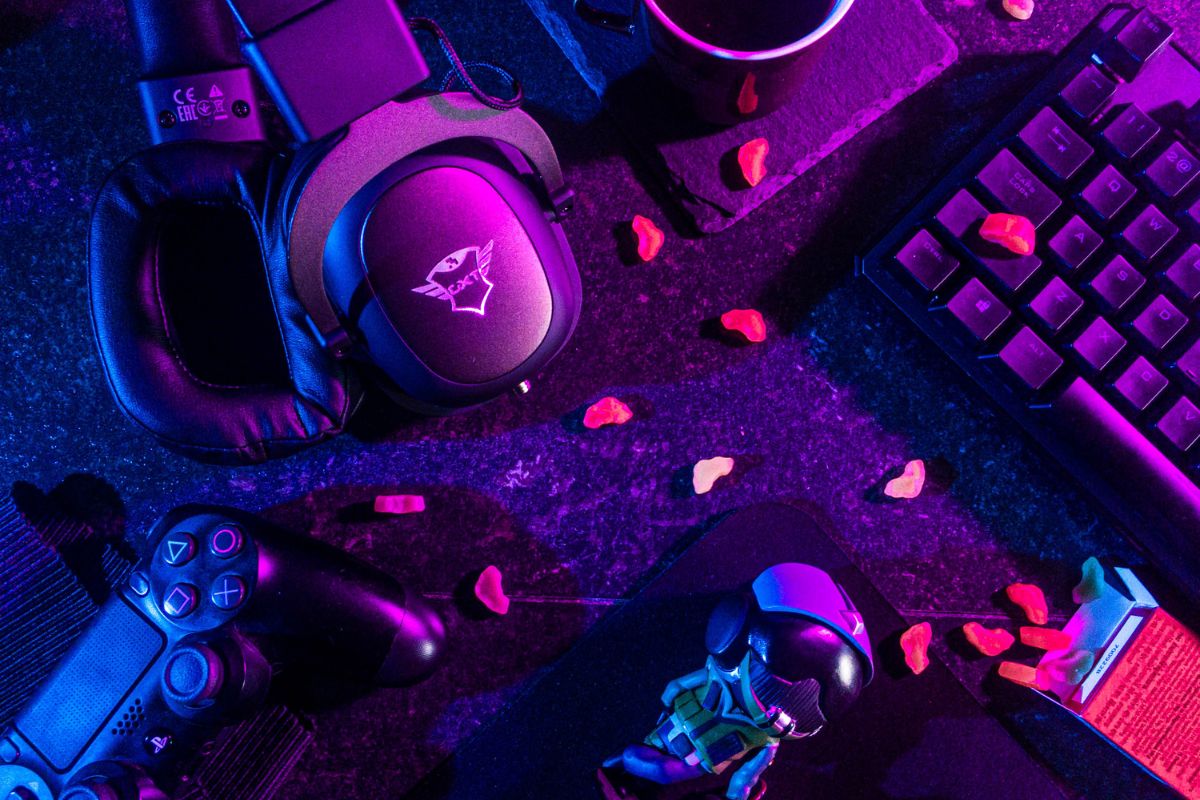
Gone are the days when gaming relied solely on a console or PC. Accessories now transform the gaming experience. They offer comfort during long sessions. They boost performance and can be the key to winning or losing. Whether you’re a casual gamer or aiming for esports, good peripherals are key. They can help you enjoy your games more and reach your full potential.
Essential Sound Equipment
Sound design is everything when it comes to modern gaming, and a good pair can make all the difference between success and failure. A good gaming headset offers rich sound that helps you locate footsteps or gunfire. It also lets you enjoy the atmospheric music that game developers work hard to create.
Comfort, besides good audio quality, also counts a lot in choosing a headset. You will be able to game for hours without any discomfort if you get headsets with memory foam ear cushions and adjustable headbands. If you’re playing team-based games, choose ones with clear microphone quality. Good communication with your teammates can decide if you win or lose. Go wireless for freedom of movement, though wired headsets do have more reliable connectivity and do not need to be charged.
Gaming Mouse and Mousepad
For a gamer, a responsive mouse is not an option but a must. None of the standard mice can replace the precision and personalization that only a gaming mouse can offer. Adjustable DPI settings let you change sensitivity for any gaming style. You can choose high sensitivity for fast shooters or lower sensitivity for precise strategy games.
Programmable buttons make things even better. You can bind complex commands or macros to thumb buttons. This way, they’re easy to reach, leading to quick reactions and smooth gameplay. The ergonomic design prevents hand fatigue during long sessions. It also offers different grip styles.
Also Read: Are Flagship Smartphones Really Worth Their Premium Price Tag?
Pair that gaming mouse up with a quality mousepad to keep the tracking surfaces consistent. Large, extended mousepads fit both your keyboard and mouse. They create a smooth gaming surface and protect your desk, too. Several even show off RGB lighting that can sync up with other peripherals for really rounding out your aesthetic.
Mechanical Keyboard
Membrane keyboards meet basic needs. However, mechanical keyboards provide tactile feedback, quicker response times, and better durability. Each press gives clear feedback. This helps avoid accidental presses and confirms intentional inputs. Multiple switch types are available to suit various tastes: clicky switches for those who like audible feedback, linear switches for silent operation, or tactile switches that balance both qualities.
Anti-ghosting and N-key rollover ensure every keypress registers correctly, even with multiple keys pressed together. For most games, this happens to be quite an important factor when complicated key combinations have to be used. The RGB backlighting is customizable to impressively improve low-light visibility.
Comfortable Gaming Chair
A good gaming chair can really make a big difference in both your health and performance, yet it’s often overlooked. Poor posture, developing from hours in front of the computer while gaming, causes back pain and neck strain that can limit your focus. Quality gaming chairs offer lumbar support, adjustable armrests, and reclining features. These elements help promote a positive posture for a better gaming experience.
Breathing materials prevent overheating in those heated moments of gaming. Sturdy constructions provide durability. Consider chairs with adjustable height and tilt mechanisms that let you find your perfect position. Ergonomic chairs may cost more, but they offer great comfort and long-term health benefits for gamers.
Display Considerations
Your display is your window into virtual worlds, and monitor choice is important. A high refresh rate makes motion smoother, reducing blur and providing clearer visual information when the action is fast. Response time is just as critical, though: the lower the response time, the less the input lag between what you do and what’s happening on-screen.
Higher resolution means sharper details in images. This helps you spot enemies from a distance and notice finer aspects of your surroundings. Adaptive sync technologies eliminate screen tearing for fluid gameplay. Some of these monitors widen your field of view in compatible games. They also provide extra space for streaming software and chat apps.
Controller Options
Even for PC gamers, a good controller can be worth its weight in gold for particular genres of games. Fighting games, racing simulators, and platformers tend to feel much better with controller input. Choose a controller with responsive buttons, accurate analog sticks, and comfy grips. Customizable controllers actually let you remap the buttons to your liking.
Cable Management Solutions
Good cable management might not seem exciting, but it helps keep your gaming space neat and professional. Cable clips, sleeves, and management boxes prevent tangled wires that collect dust and create hazards. A clean setup improves aesthetics while making it easier to add or replace equipment.
Building Your Arsenal
You don’t need to get them all at once. Start with accessories that fill most of your urgent needs and your gaming style. Pro gamers love high-quality mice and keyboards. Casual gamers, on the other hand, prefer comfort accessories like chairs and headsets. In time, once your setup starts to develop, you will notice which accessories enhance your particular type of gaming.
Remember, expensive does not always translate to better. Read reviews, watch comparison videos, and, if possible, test equipment before buying. The best gaming accessory fits your budget and gaming style. It should also perform reliably every session.
Frequently Asked Questions
Q: What should I buy first as a beginner gamer?
Begin with a good headset. It helps you fully enjoy the audio and team chats. Then, upgrade your mouse or controller based on your platform.
Q: Are wireless accessories worth the extra money?
Sure thing, if you prioritize freedom of movement and have a moderate budget. Wired options remain great for tight budgets and competitive play.
Q: Is a gaming chair really necessary?
Of course, after a long session, your back and neck will thank you. It is an investment in one’s health and comfort.
Q: Can RGB Lighting be for mere decoration only?
Yeah, it’s purely cosmetic. If you’re into super-minimalist rig setups or looking to save some cash without losing performance, skip it.
Q: How much is a sensible budget for gaming peripherals?
To the budget gamer, 200-400 dollars will do for the basic; for enthusiasts, it will take 800-1,500 dollars to get the premium set-ups.